


Dec 22, 2025 5:13 PM
You can add an image to your event description in Epoch that will show on the event page and will also appear in the Outlook invite.
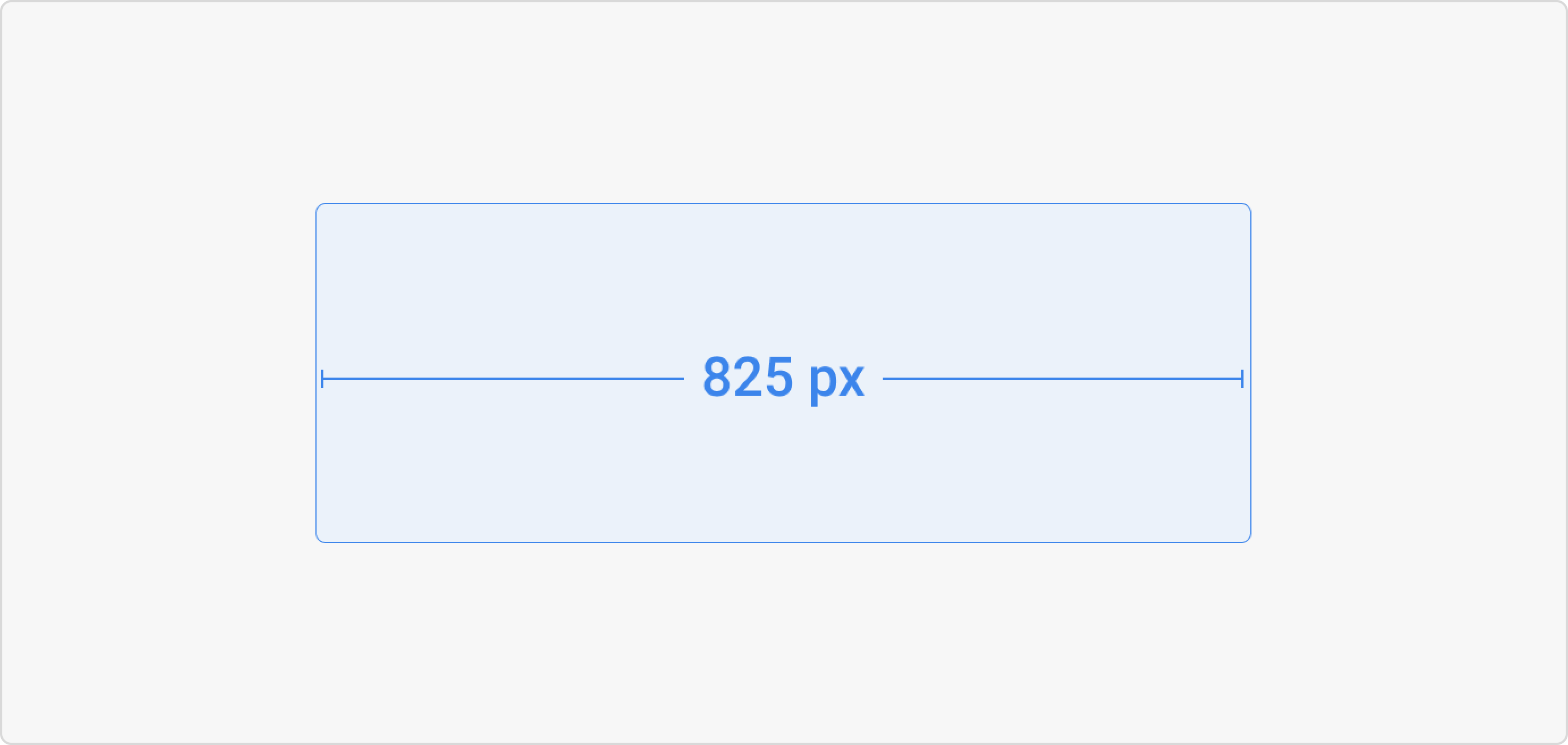
The recommended size for a banner image in the event description is a width of up to 825px. The maximum image size is 5mb.
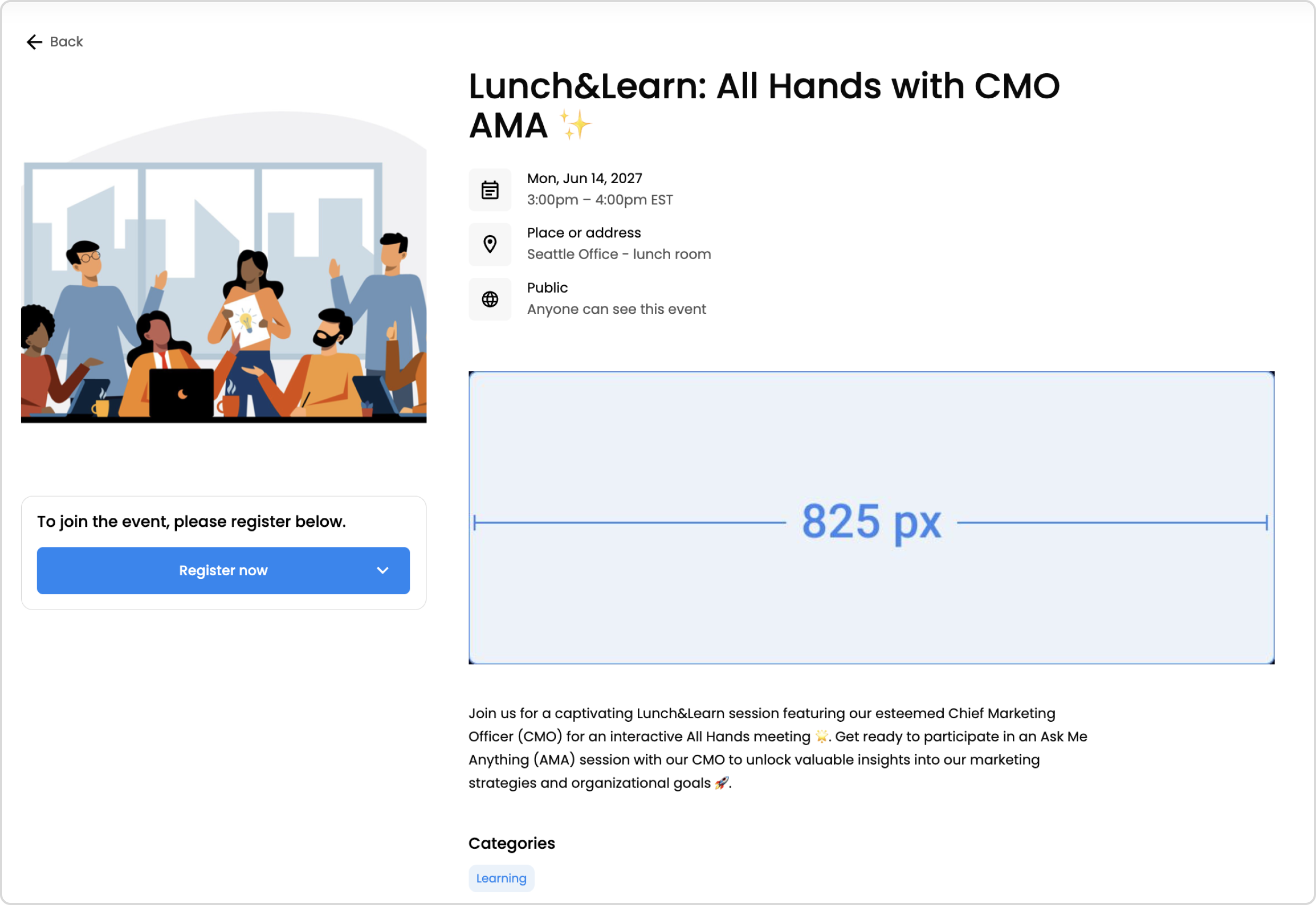
The image appears on the event page within the event's description, where employees can read about event information and RSVP to the event.
The image appears in the expanded Outlook invite within the event's description.
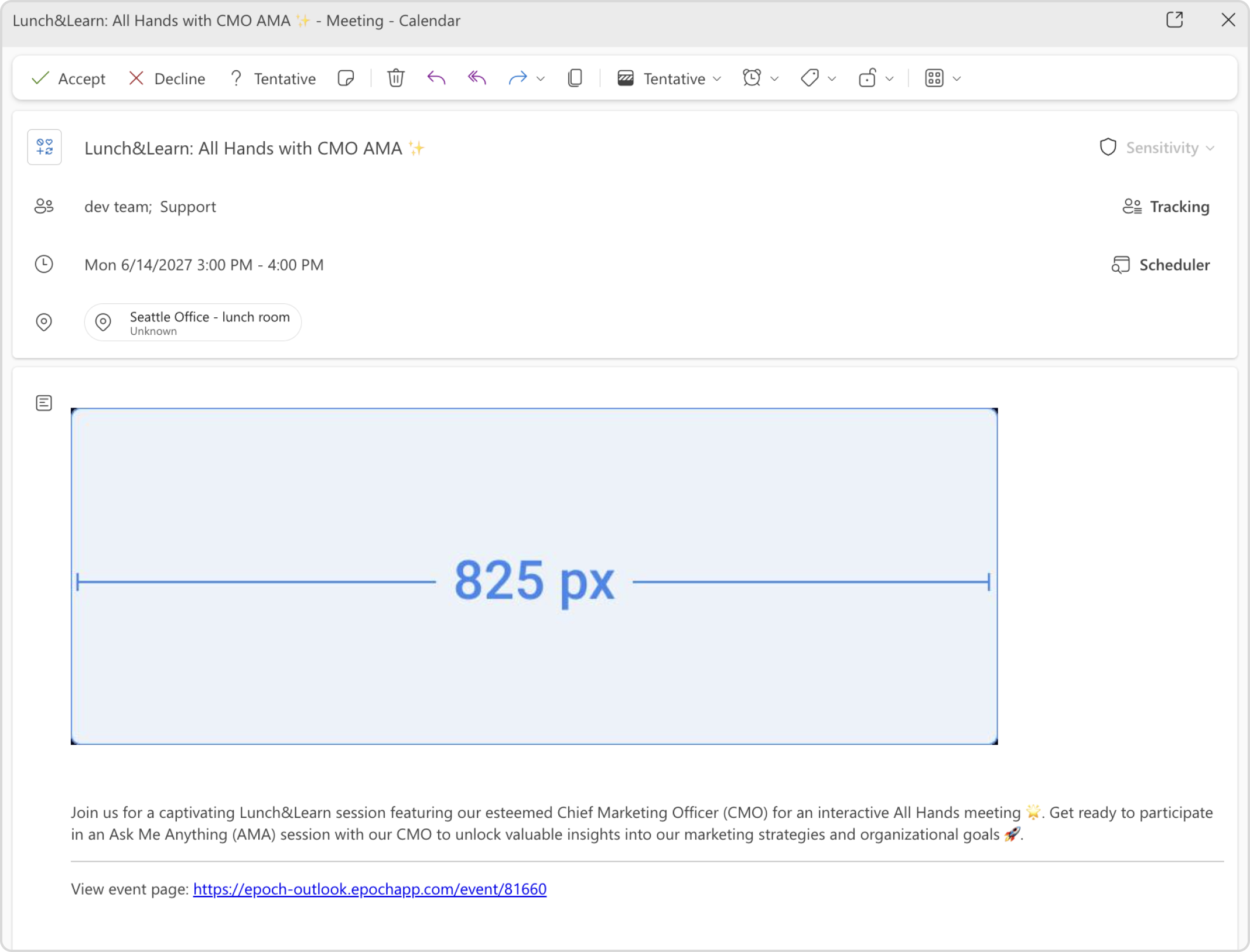
In the event description, we recommend to stick to single line breaks between blocks of text to prevent too much spacing in the Outlook invite.
Get in touch with our customer experience team. We'll reach out with next steps.
Contact us© 2026 Epoch Inc. All rights reserved.


