In the email invitation, click the Join community button
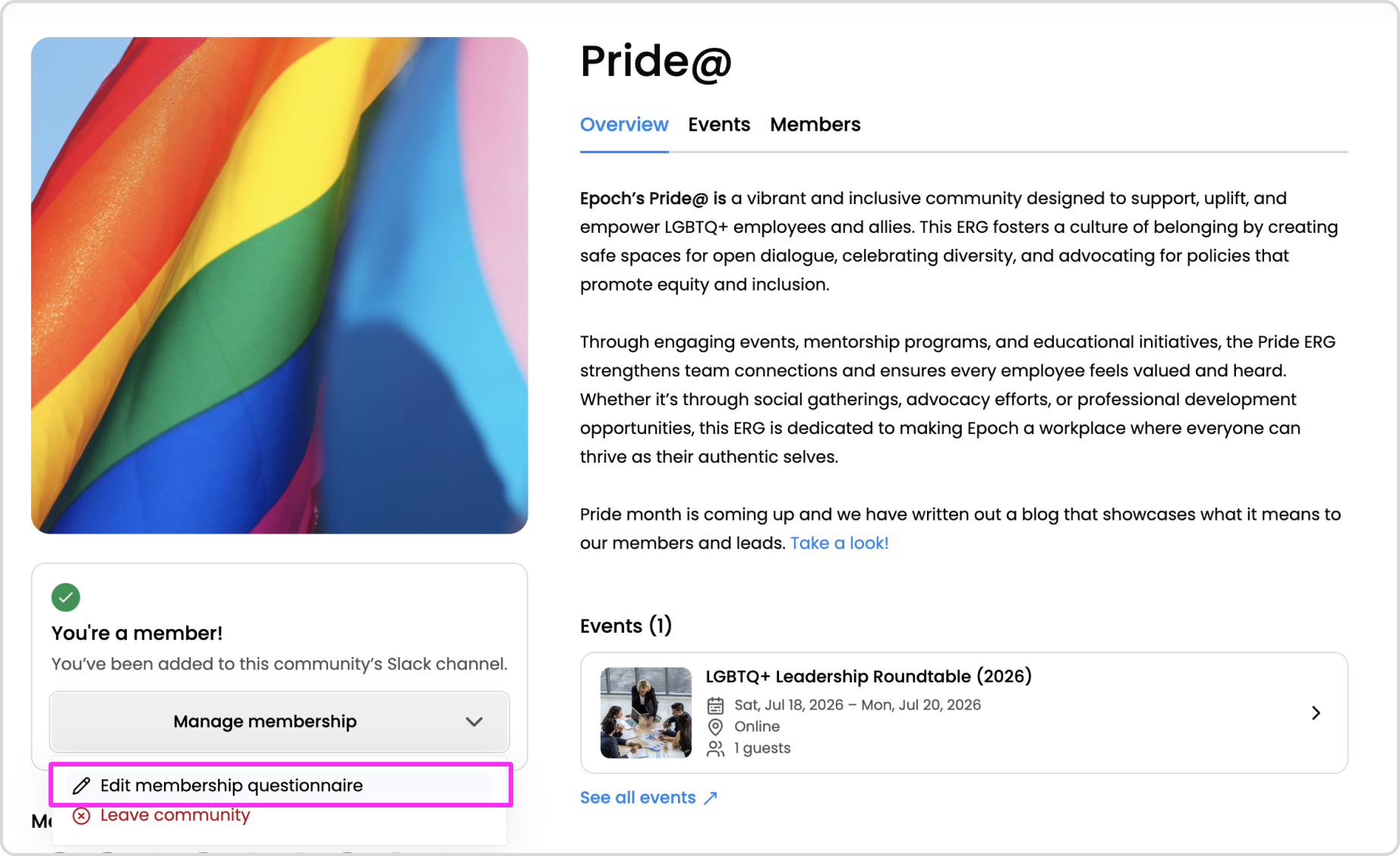
The community details page will open confirming that you are a member of the community
Accept a Slack invitation to join a community
In the Slack invitation, click the Join community button
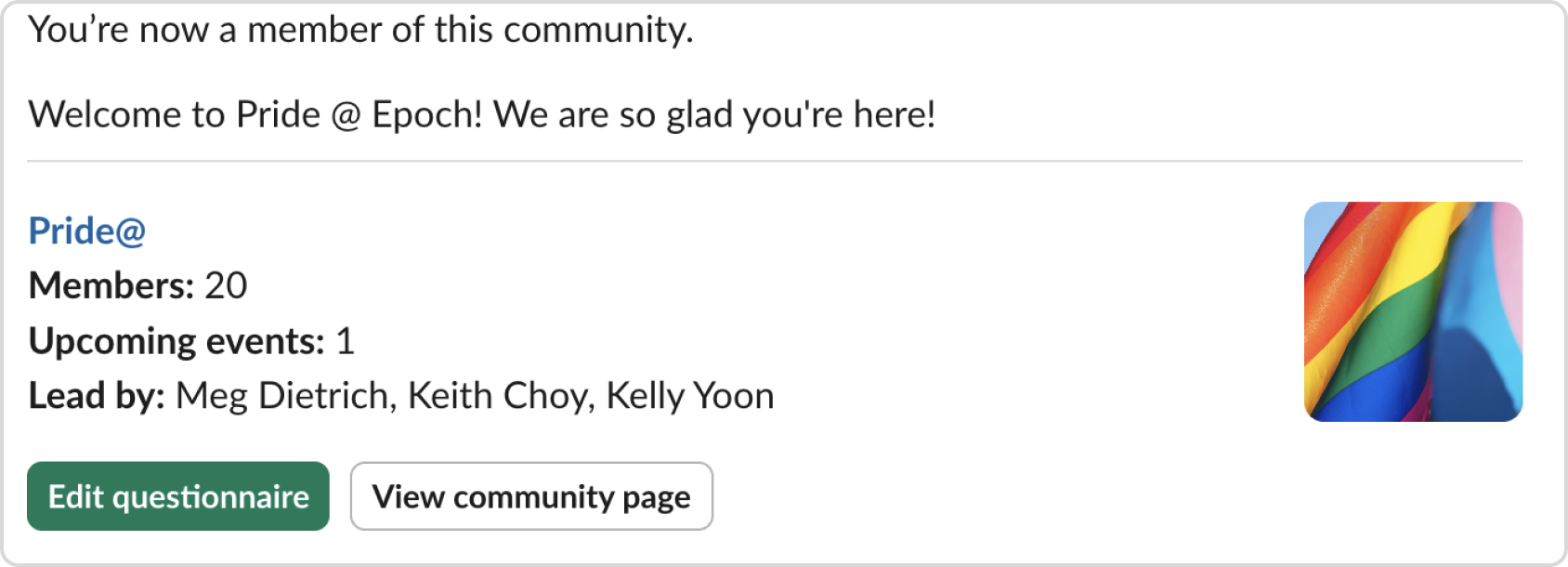
You will receive a new Slack message confirming that you are a member of the community
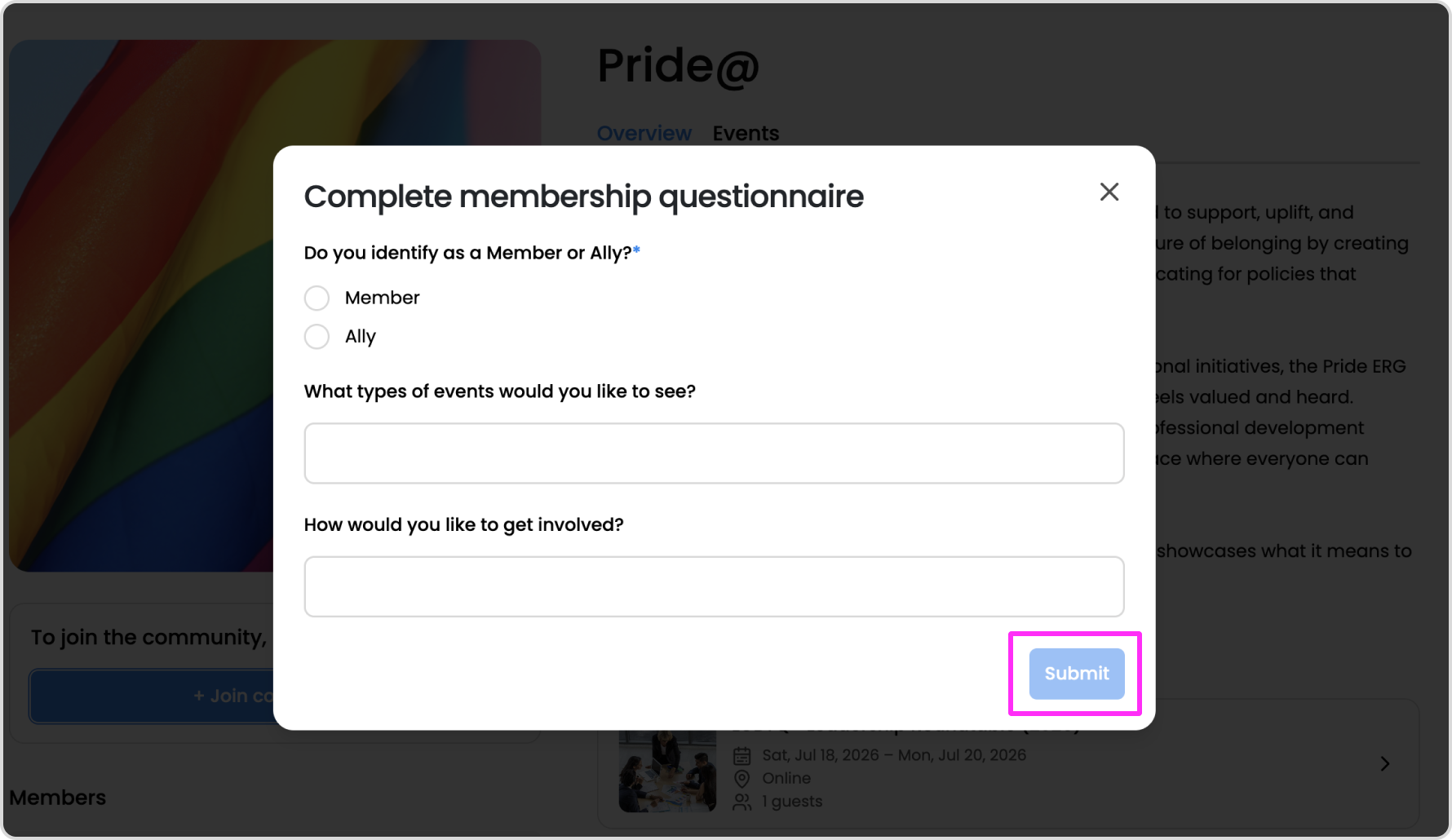
Fill out the community membership questionnaire
Depending on the community, the leads can create a custom membership questionnaire for new members to fill out.
After clicking the Join community button, the new member will be prompted with the questionnaire questions.
After submitting their responses, they have officially joined the community and will be marked as an active member. The questionnaire responses can be edited at anytime from the community page.
Custom welcome message for new members
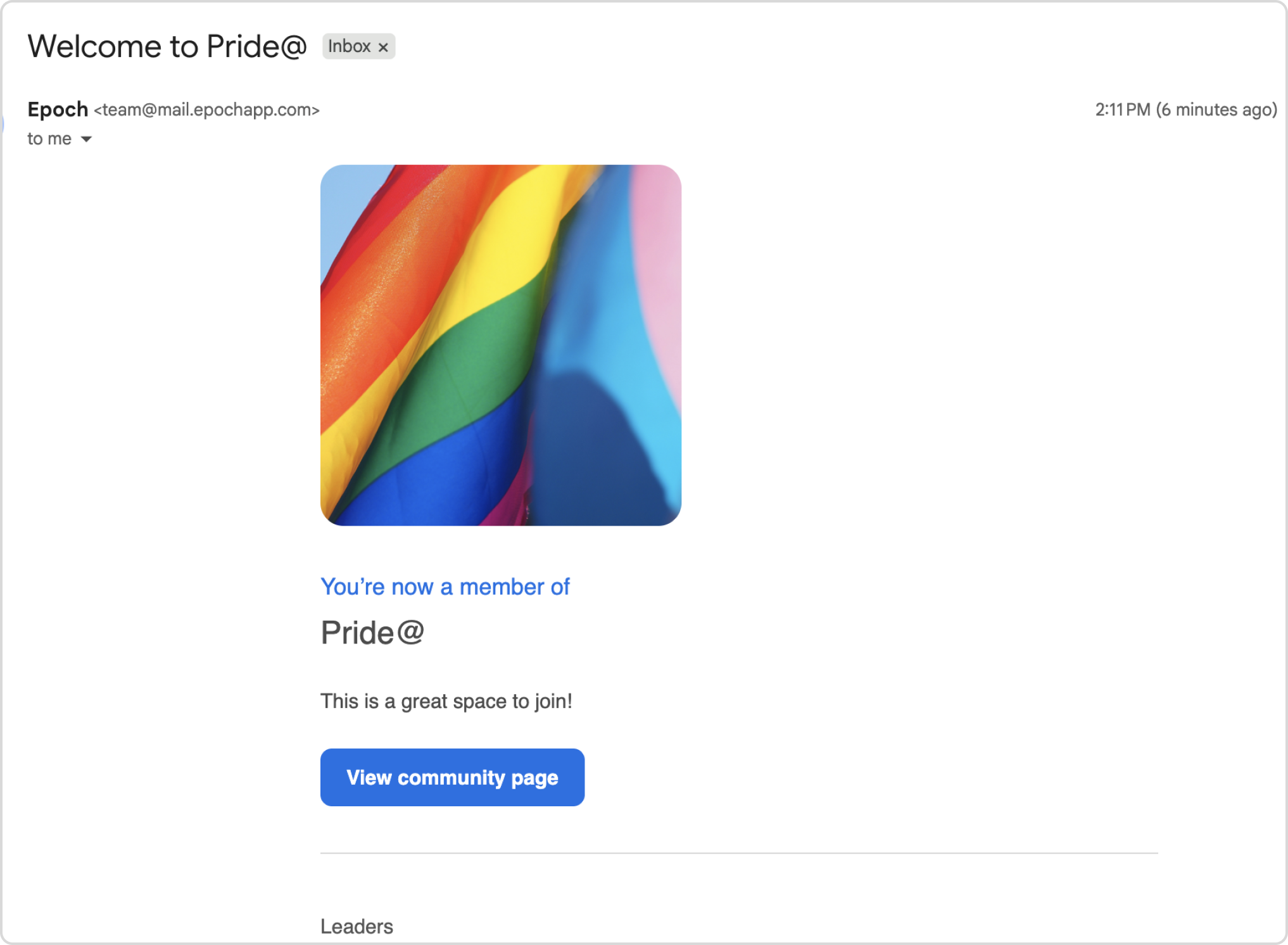
Welcome email and Slack messages will go out when a new member joins a community. These are customizable by the leads.
After an employee successfully joins a community, they will receive a welcome email and Slack message customized by the leads.
Want access to a beta feature?
Get in touch with our customer experience team. We'll reach out with next steps.