


Mar 13, 2026 2:48 PM
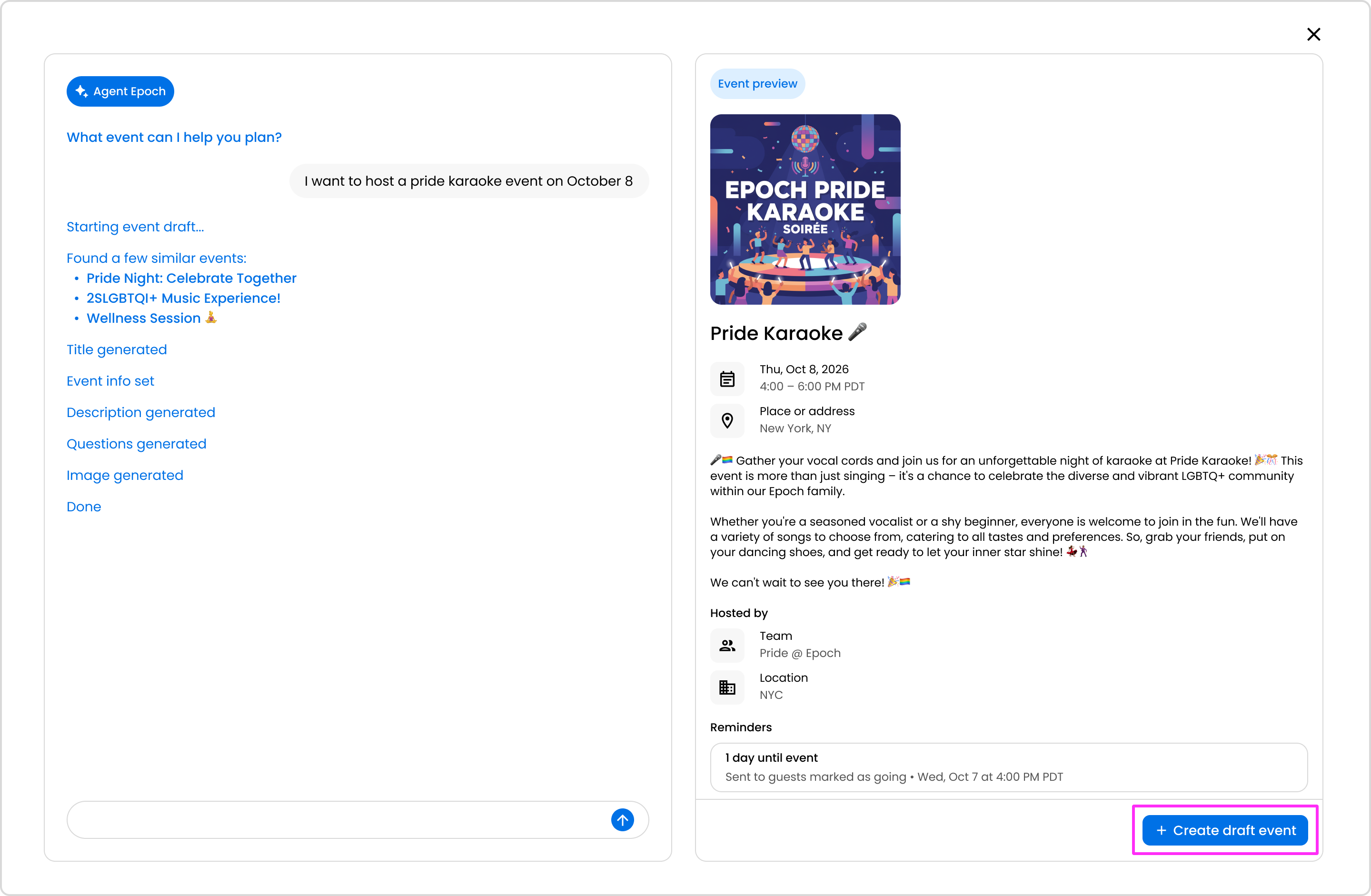
Agent Epoch is a great tool to use to cut down on the time it takes to create an event. Simply prompt the agent of the type of event you want to host.
Note: Agent Epoch can make mistakes. Please verify responses.
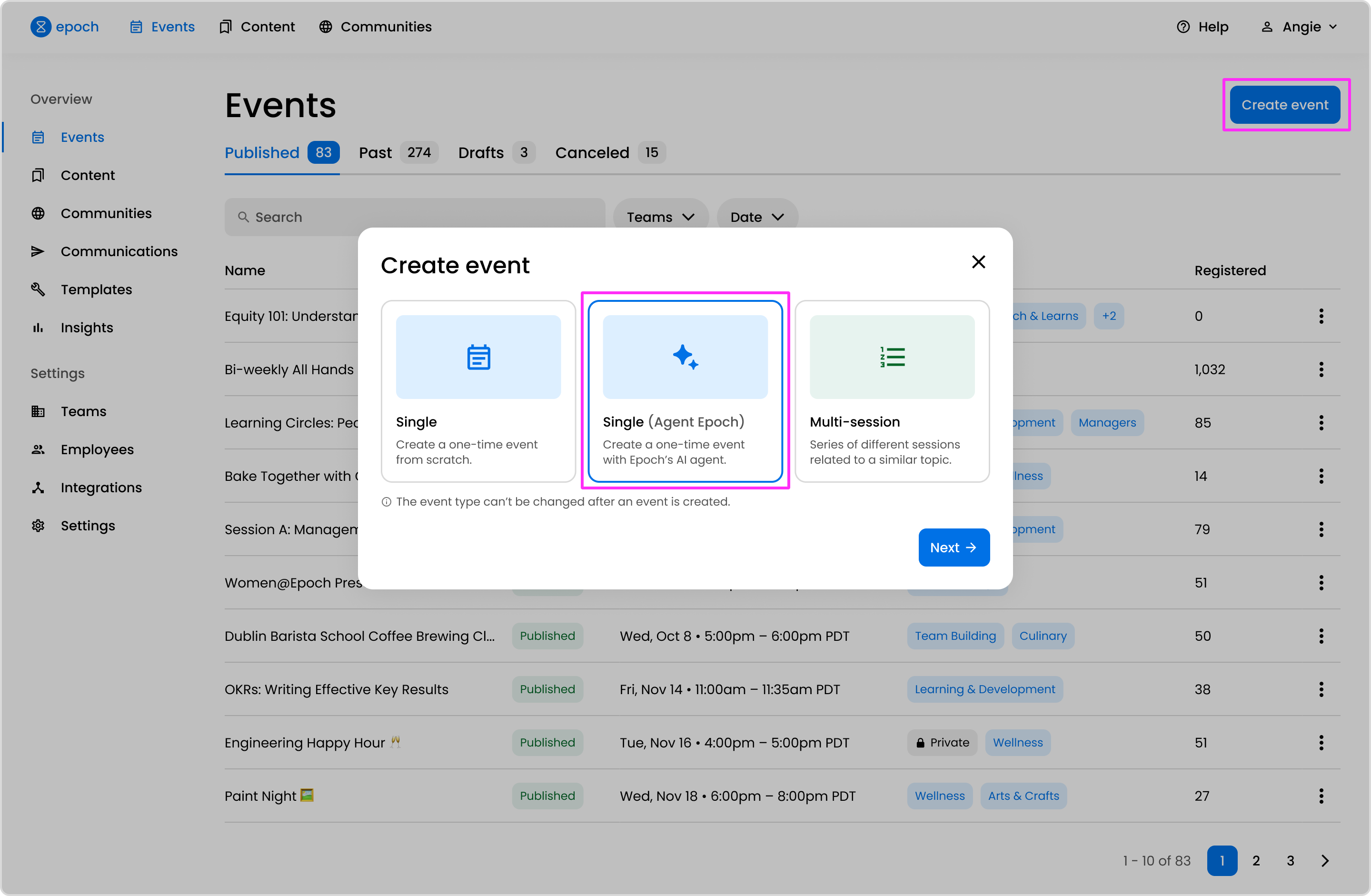
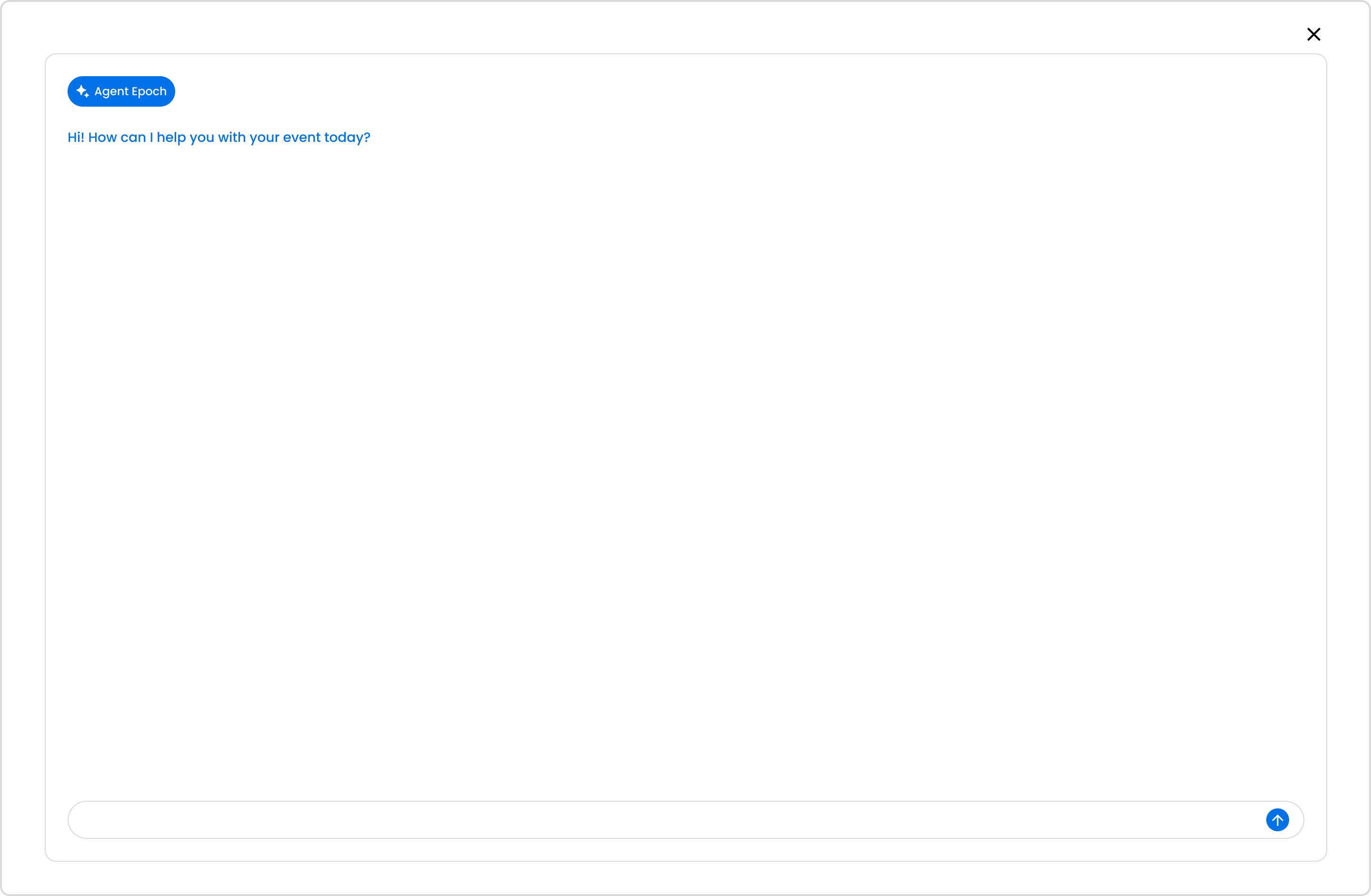
Note: Agent Epoch can make mistakes. Please verify responses.
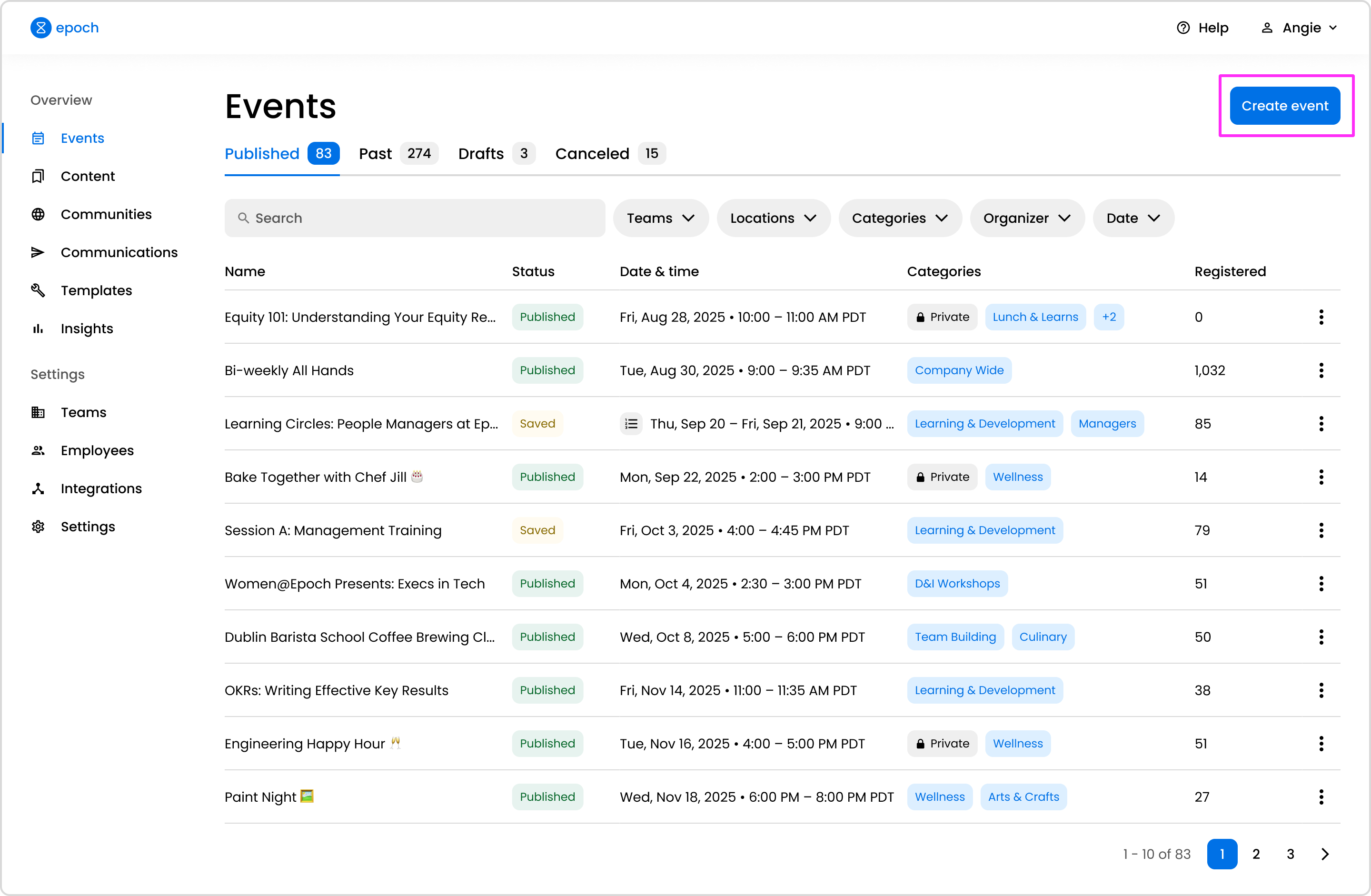
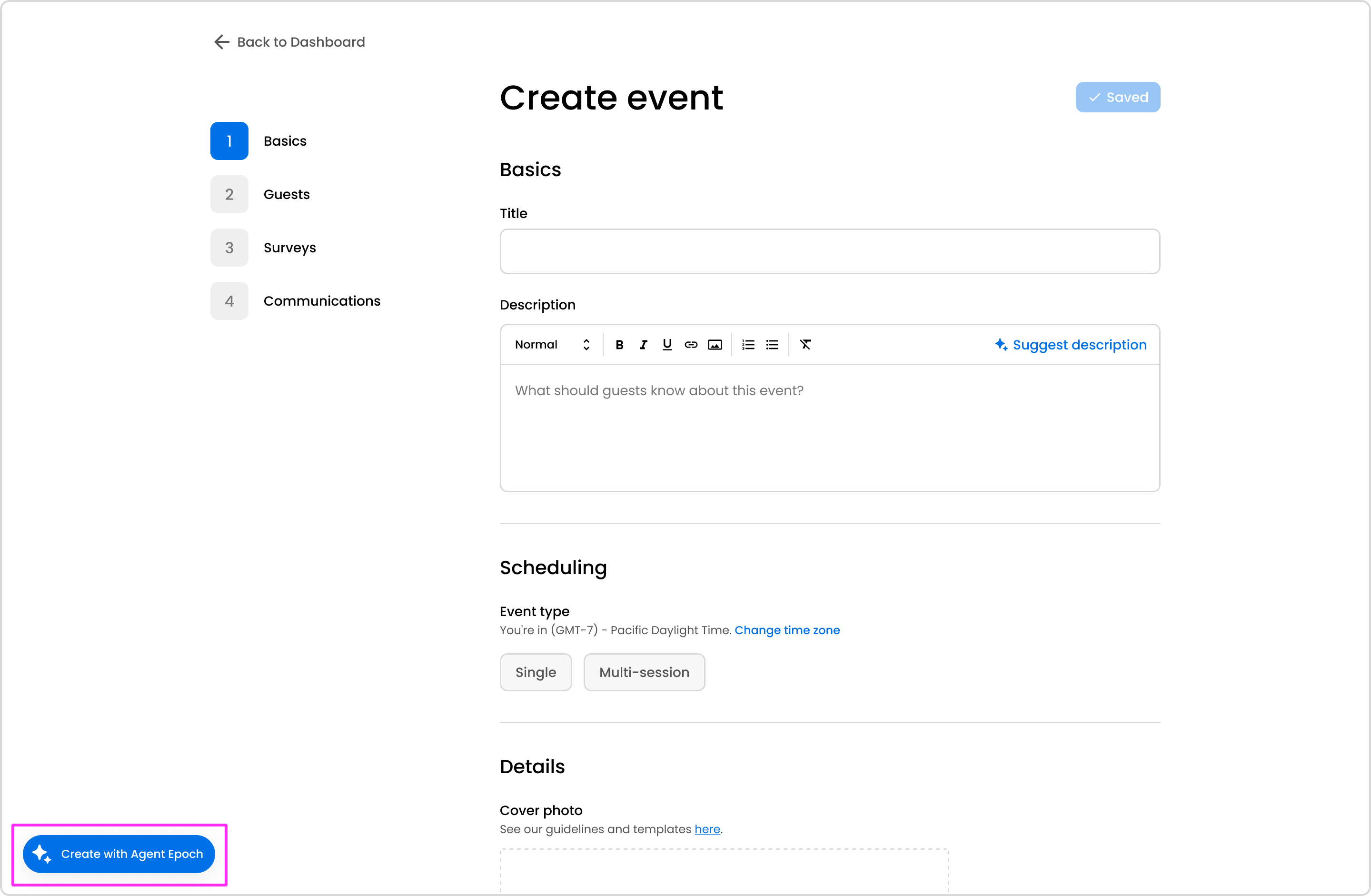
After providing Agent Epoch with your event creation prompt, Agent Epoch will reference similar events. A preview of the draft event will appear on the right side of your screen. Here, you can review the event cover image, title, description, reminders, and survey questions. You can choose to prompt the agent to make changes, or you can create the draft event and make additional customizations.
If you'd like access to this feature, get in touch with our customer experience team. We'll reach out with next steps.
Get in touch with our customer experience team. We'll reach out with next steps.
Contact us© 2026 Epoch Inc. All rights reserved.


